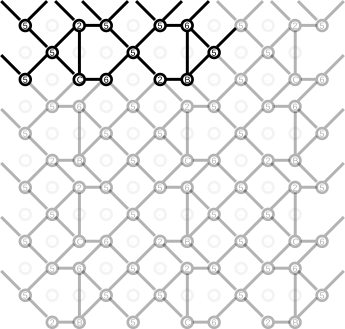
Use SVG editor to define a pattern
You can also use a general purpose editor like Adobe-Illustrator, CorelDraw or the free InkScape and the SVG version (right click to download) of the template.
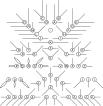
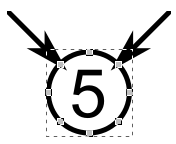
The symbol in each template object has six free snapping points, two of them should be connected with other objects. Copy-paste these objects to define a pattern without changing the length or directions of lines connecting the symbols.
It might need some out-of-the-box thinking: the Binche snow flake example below has horizontal connections and the vertical connection is reduced to a single stitch.
Stretching the stitch into a kind of plait with a hole (ctcttctc) reveals traditional connections in the thread diagram.